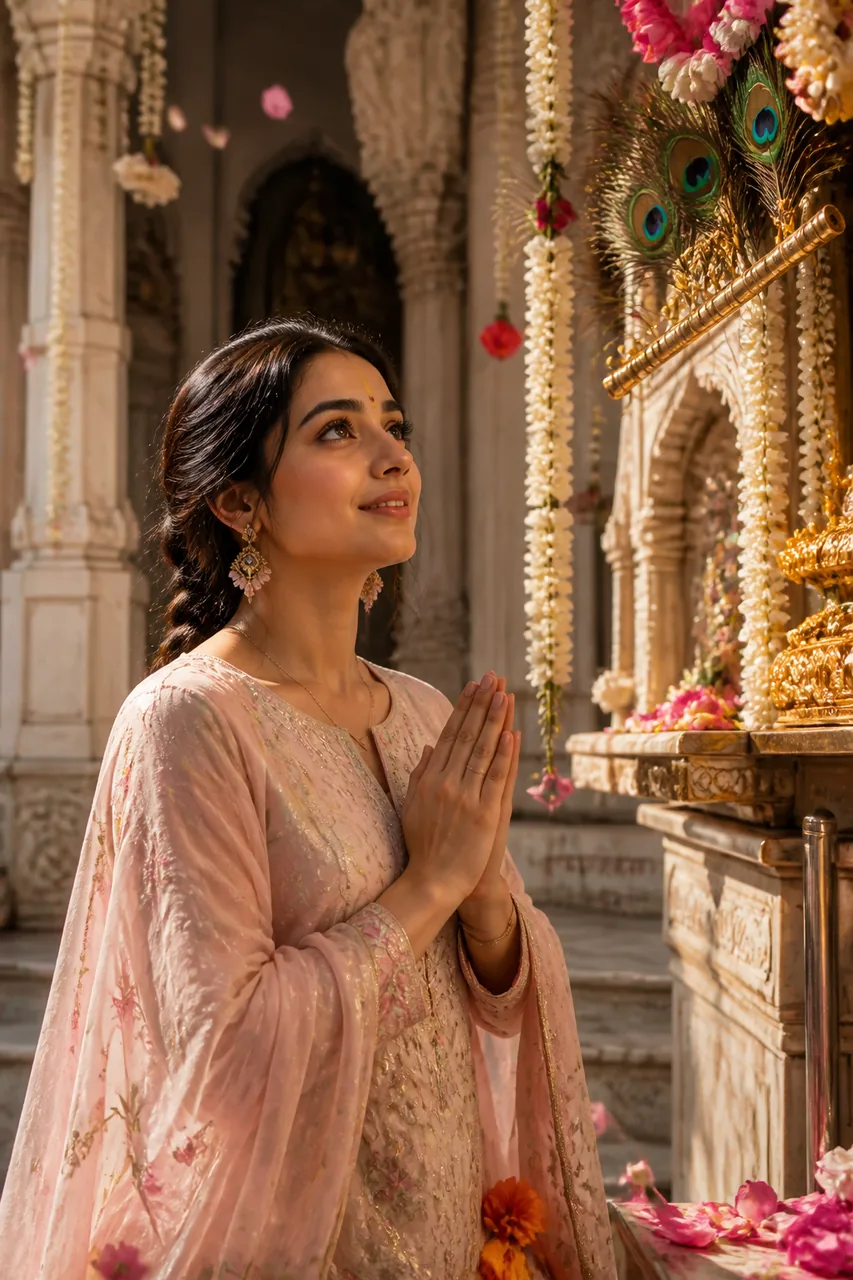
✨ Ye example photo AI ne ek kaalpanik model ke saath banayi hai. Aapki photo daalne par chehra aapka hoga.
✨ Prompt
Size 3:4Use the uploaded photo as the reference. Keep the face, facial features, skin tone and identity exactly the same. The person is praying peacefully inside an ornate Vrindavan-style Krishna temple courtyard. Dressed in pristine pastel ethnic attire with a silk dupatta draped gracefully, hands joined in Pranam. The sacred background showcases arched marble pillars, strings of fragrant white mogra, vibrant peacock feathers, and an artistic golden flute motif hanging near the sanctum. Divine morning light streams softly through carved jharokha windows, highlighting soft particles of holy chandan dust and floating rose petals. Gentle devotional smile, eyes reflecting pure devotion. Medium shot, 3:4 framing, cinematic shallow depth of field. Ultra-realistic, high resolution, sharp focus, fine detail, natural skin texture, professional colour grading, no blur, no distortion.
Vrindavan ke pavitra mandir jaisa shant aur sundar bhakti portrait banega.
Kaise use karein
- Gemini kholiye (app ya website).
- Apni saaf, saamne se li hui photo upload kariye (chehra achhe se dikhe).
- Upar ka prompt Copy button se copy karke paste kariye aur bhejiye.
- Pasand na aaye to 'dobara banao' kahiye, ya prompt mein rang/kapde badal kar try kariye.
💡 Tips
- Light background wali selfie upload karein behtar results ke liye.
- Pastel ya white ethnic wear ka prompt result bohot shaant lagta hai.
🔒 Apni photo sirf Gemini/ChatGPT jaise app mein daaliye. Yashvik AI aapki photo kabhi nahi maangta aur na save karta hai. Kisi aur ki photo bina ijaazat ke mat lagaiye.
Aise aur prompts
Bhakti & Devotional ke sab prompts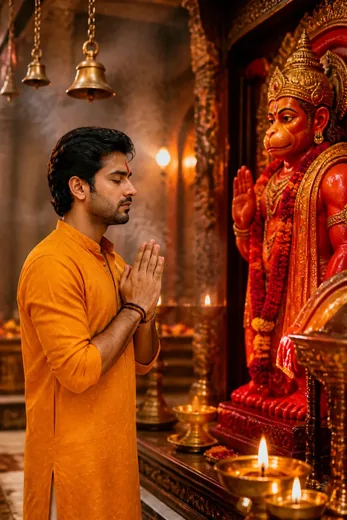 Hanuman Ji Mandir Darshan Photo Prompt (ChatGPT AI)
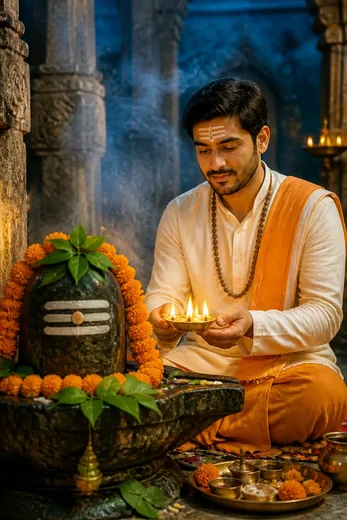 Mahadev Bhakti Photo Prompt with Aarti Diya (Gemini AI)
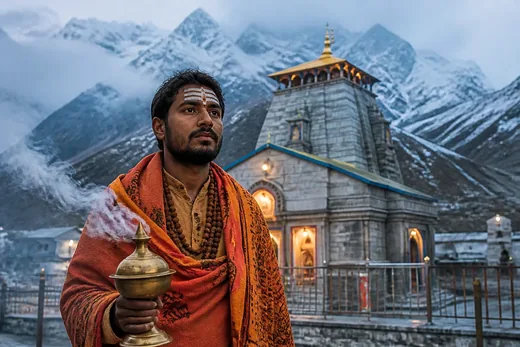 Kedarnath Mandir Mahadev Pilgrimage Photo Prompt (Meta AI)
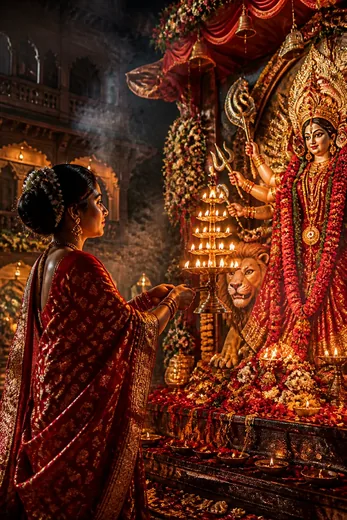 Maa Durga Aarti & Navratri Bhakti Photo Prompt (Gemini AI)
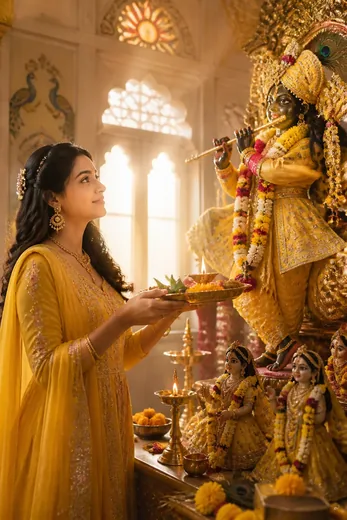 Shri Krishna Bhakti Aarti Thali Photo Prompt (Meta AI)
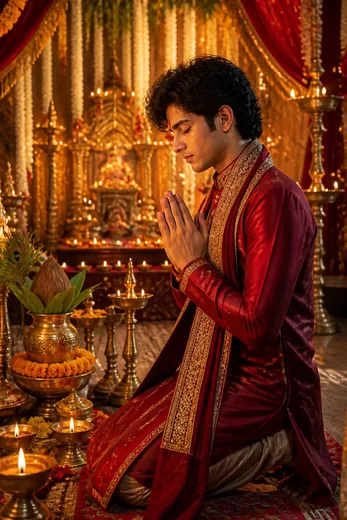 Mata Rani Pandal & Krishna Bhakti Fusion Photo Prompt
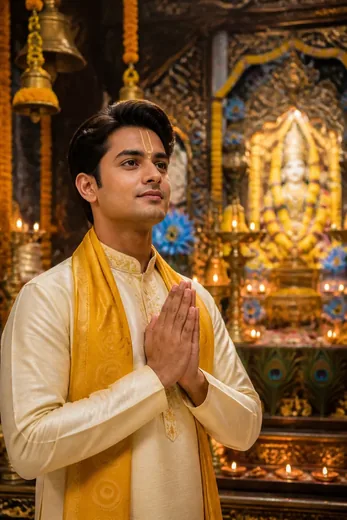 Divine Krishna Mandir Darshan Photo Prompt (ChatGPT & Gemini)
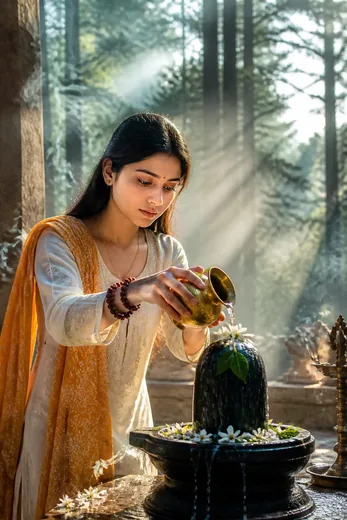 Shivling Jalabhishek Devotional Portrait for Women (Gemini AI)