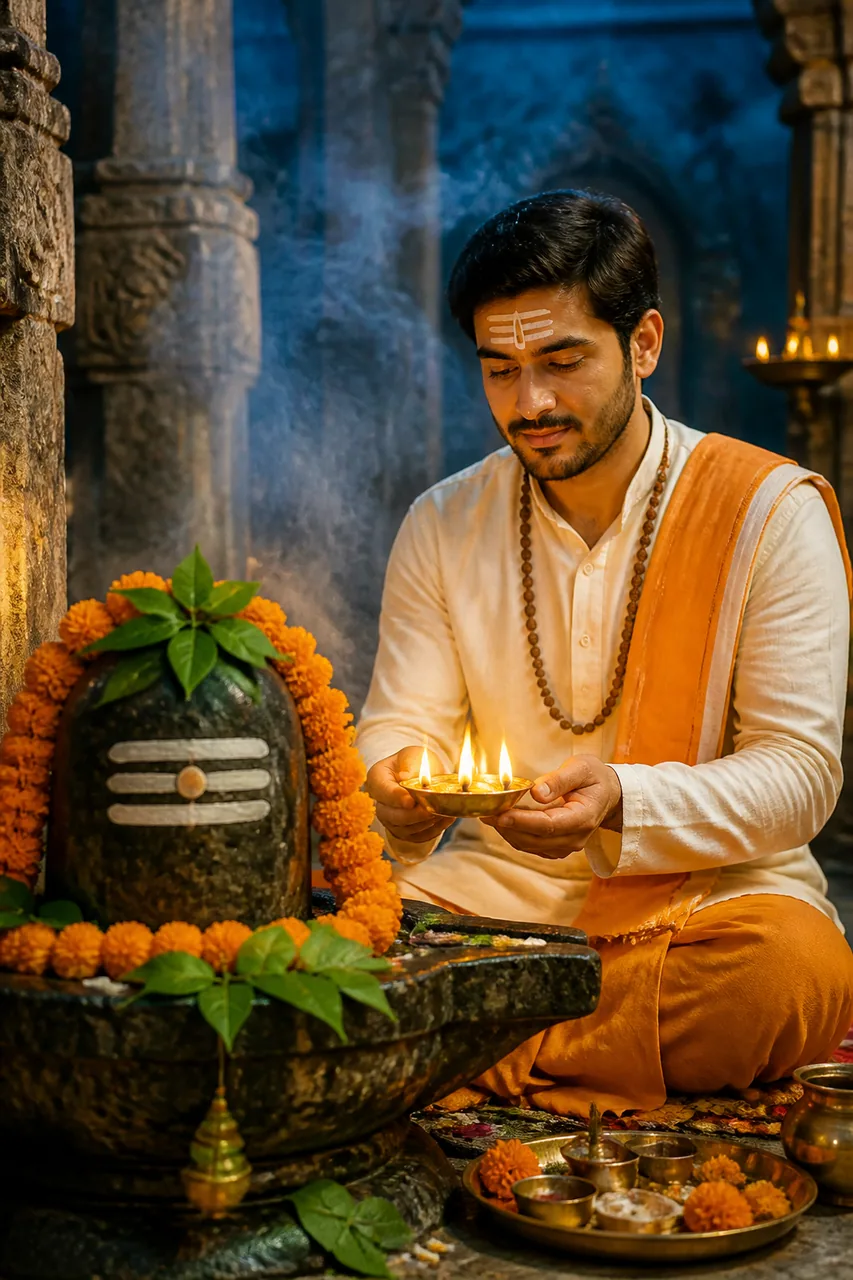
✨ Ye example photo AI ne ek kaalpanik model ke saath banayi hai. Aapki photo daalne par chehra aapka hoga.
✨ Prompt
Size 4:5Use the uploaded photo as the reference. Keep the face, facial features, skin tone and identity exactly the same. The person is sitting peacefully in front of a sacred stone Shivling adorned with fresh bilva leaves, white bhasma tripundra, and orange marigold garlands. The devotee is dressed in an ivory-white and saffron linen kurta, wearing a natural rudraksha mala, applying a gentle chandan tripundra tilak on forehead. Hands gently holding a glowing brass diya offering deep aarti. Sacred temple sanctum with floating dhoop incense smoke, stone pillars, and soft warm candlelight illuminating the peaceful expression. Shot with an 85mm f/1.4 lens, shallow depth of field, golden and mystical blue colour palette, 4:5 aspect ratio. Ultra-realistic, high resolution, sharp focus, fine detail, natural skin texture, professional colour grading, no blur, no distortion.
Is prompt se Shivling ke aage diya pakadkar aarti karte hue shant aur shraddhamay Mahadev bhakti photo banegi.
Kaise use karein
- Gemini kholiye (app ya website).
- Apni saaf, saamne se li hui photo upload kariye (chehra achhe se dikhe).
- Upar ka prompt Copy button se copy karke paste kariye aur bhejiye.
- Pasand na aaye to 'dobara banao' kahiye, ya prompt mein rang/kapde badal kar try kariye.
💡 Tips
- Aapki photo bilkul saaf aur front-facing honi chahiye taaki tilak aur chehra accurate aaye.
- Status ya DP ke liye 4:5 aspect ratio sabse best look deta hai.
🔒 Apni photo sirf Gemini/ChatGPT jaise app mein daaliye. Yashvik AI aapki photo kabhi nahi maangta aur na save karta hai. Kisi aur ki photo bina ijaazat ke mat lagaiye.
Aise aur prompts
Bhakti & Devotional ke sab prompts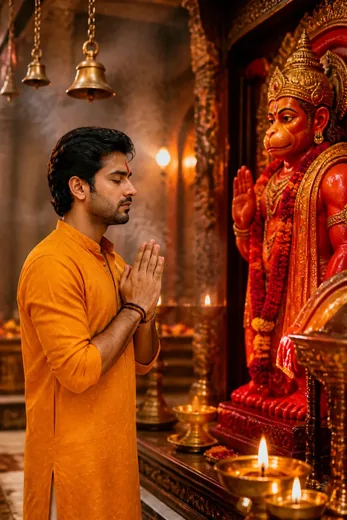 Hanuman Ji Mandir Darshan Photo Prompt (ChatGPT AI)
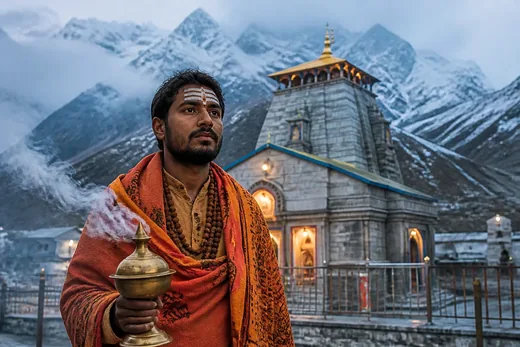 Kedarnath Mandir Mahadev Pilgrimage Photo Prompt (Meta AI)
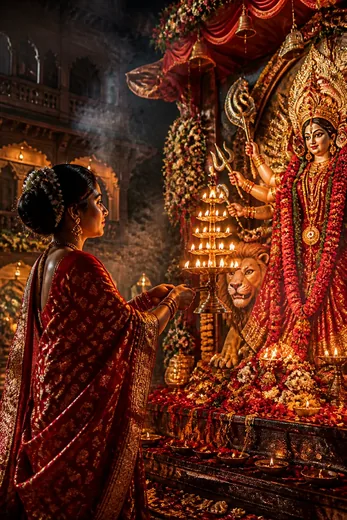 Maa Durga Aarti & Navratri Bhakti Photo Prompt (Gemini AI)
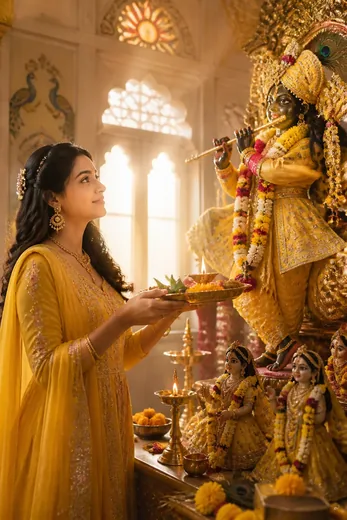 Shri Krishna Bhakti Aarti Thali Photo Prompt (Meta AI)
 🔥 Trending
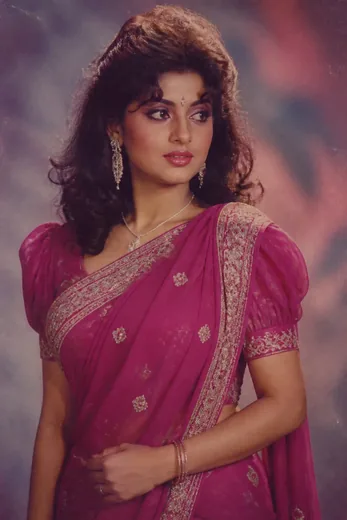
80s Bollywood Heroine Studio Portrait Prompt (Gemini)
🔥 Trending
80s Bollywood Heroine Studio Portrait Prompt (Gemini)
 🔥 Trending
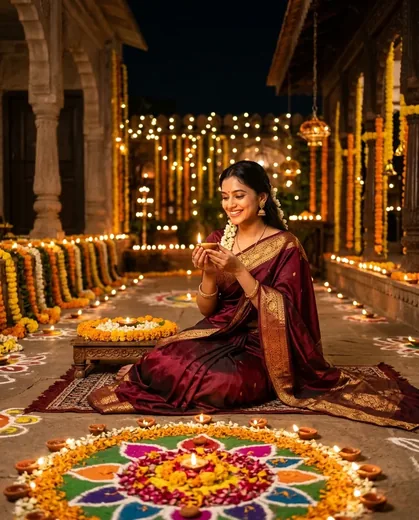
Diwali Saree Photo Prompt for Girls (Gemini AI)
🔥 Trending
Diwali Saree Photo Prompt for Girls (Gemini AI)
 🔥 Trending🎬 Video
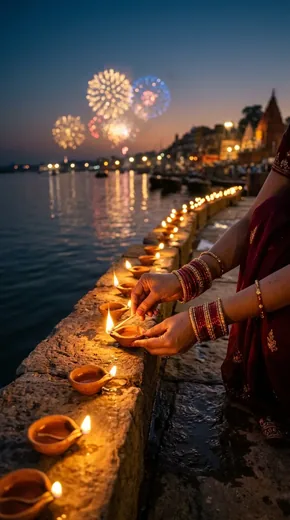
Diwali Diya Lighting Video Prompt (Gemini Veo)
🔥 Trending🎬 Video
Diwali Diya Lighting Video Prompt (Gemini Veo)
 🔥 Trending
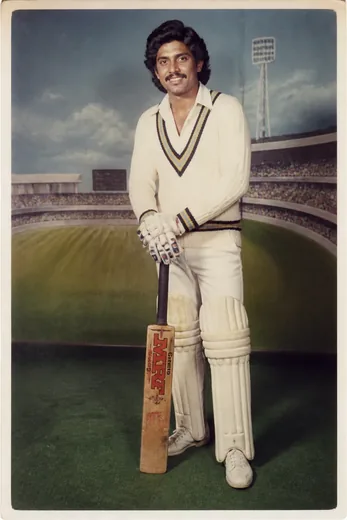
1983 Era Retro Cricket Fan Studio Portrait (Meta AI)
🔥 Trending
1983 Era Retro Cricket Fan Studio Portrait (Meta AI)