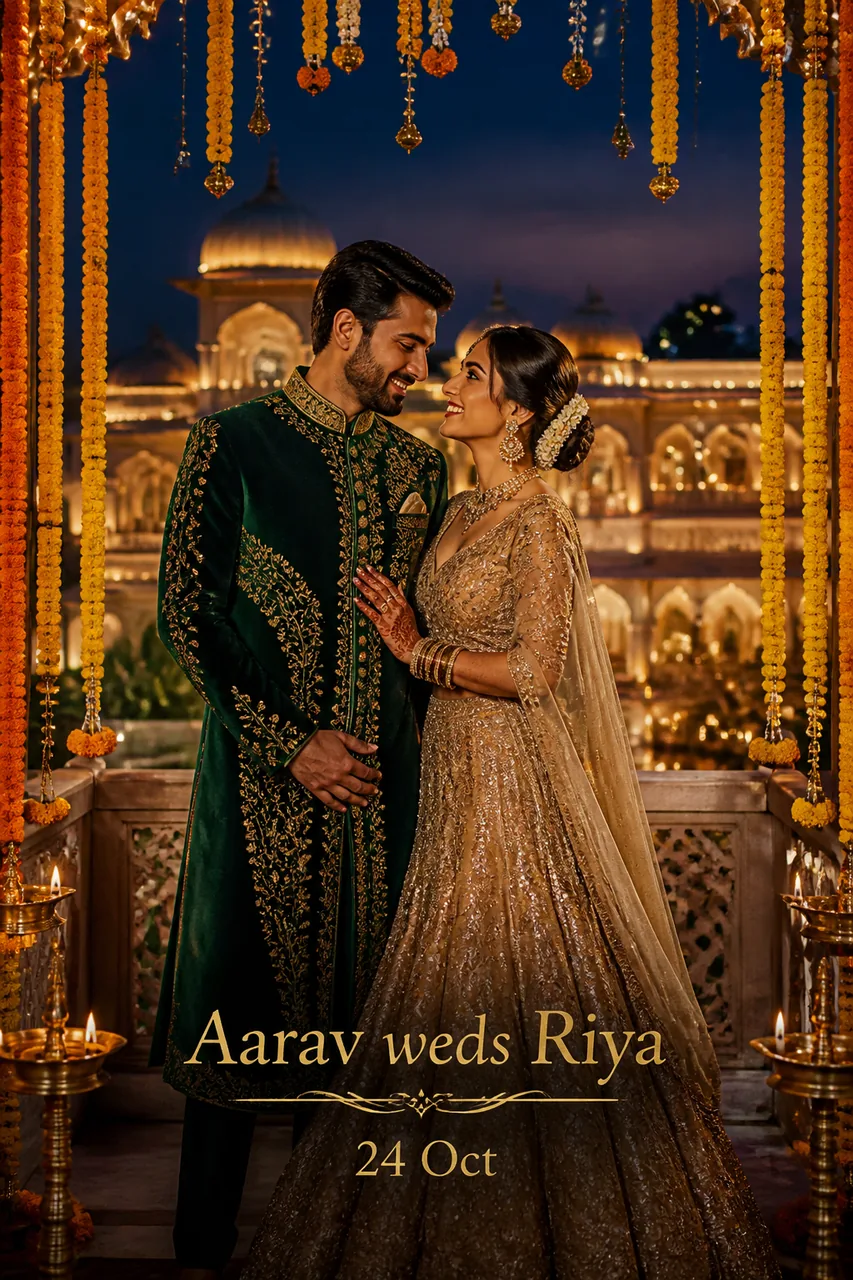
✨ Ye example photo AI ne ek kaalpanik model ke saath banayi hai. Aapki photo daalne par chehra aapka hoga.
✨ Prompt
Size 4:5✍️ Apna text likhiye — prompt mein apne aap bhar jaayega
💡 Naam English akshar mein likhiye (jaise Riya), AI Hindi akshar kabhi-kabhi bigaad deta hai. Text chhota rakhiye.
Use the uploaded photo as the reference. Keep the face, facial features, skin tone and identity exactly the same. Create a royal twilight Indian wedding save-the-date announcement poster. The couple is captured on an illuminated palace terrace bordered with hanging marigold torans, fairy lights, and brass lamps with glowing diyas. The groom looks handsome in a royal emerald velvet sherwani, and the bride is stunning in an antique gold sequined lehenga. At the bottom center, render crisp, stylish metallic gold text reading '[DULHA] weds [DULHAN]' with a second line '[TARIKH]'. Spell the text exactly, clean legible typography. Moody evening lighting, rich jewel tones, professional wedding photoshoot aesthetics. Ultra-realistic, high resolution, sharp focus, fine detail, natural skin texture, professional colour grading, no blur, no distortion.
Shaam ke deepak aur genda phool toran ke royal mahaul me apna save-the-date poster banayein.
Kaise use karein
- ChatGPT kholiye (app ya website).
- Apni saaf, saamne se li hui photo upload kariye (chehra achhe se dikhe).
- Prompt ke upar wale box mein apna naam/text likhiye — prompt mein apne aap bhar jaayega.
- Upar ka prompt Copy button se copy karke paste kariye aur bhejiye.
- Pasand na aaye to 'dobara banao' kahiye, ya prompt mein rang/kapde badal kar try kariye.
💡 Tips
- Naam aur tareekh bilkul short rakhein taaki poster saaf aur sundar lage.
- Square brackets bilkul delete kar dein jab aap naam enter karein.
- Night reception ya sangeet look ke liye yeh lighting perfect hai.
🔒 Apni photo sirf Gemini/ChatGPT jaise app mein daaliye. Yashvik AI aapki photo kabhi nahi maangta aur na save karta hai. Kisi aur ki photo bina ijaazat ke mat lagaiye.
Aise aur prompts
Photo + Naam (Text wale) ke sab prompts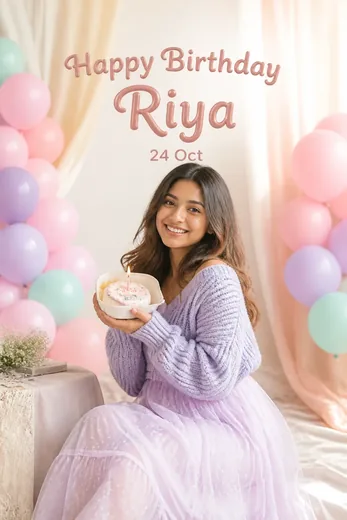 🔥 Trending
Cute Pastel Aesthetic Birthday Poster with Name
 🔥 Trending
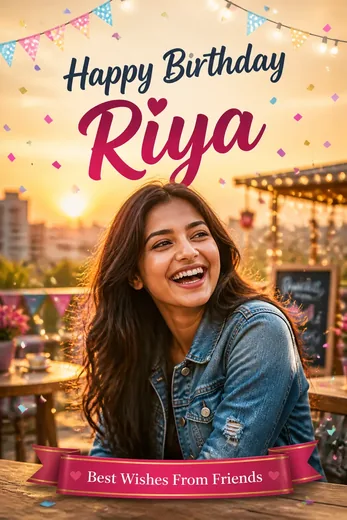
Best Friend Birthday Wish Poster with Photo & Name
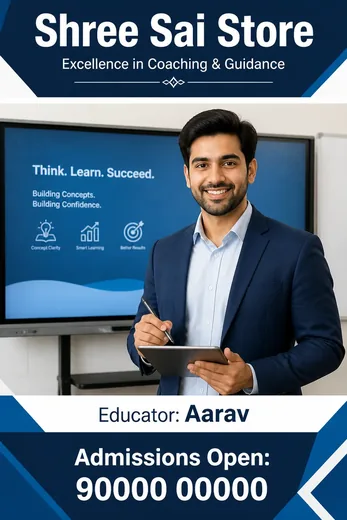 Coaching Institute Teacher Business Poster AI Prompt
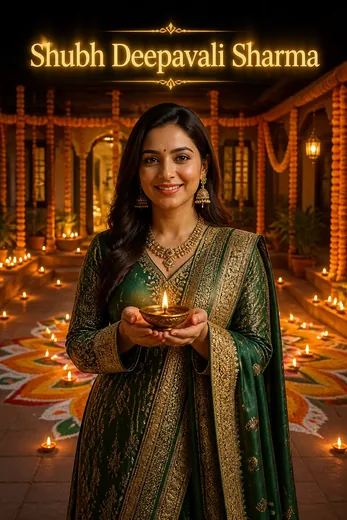 Diwali Wishes Greeting Photo Prompt with Family Name
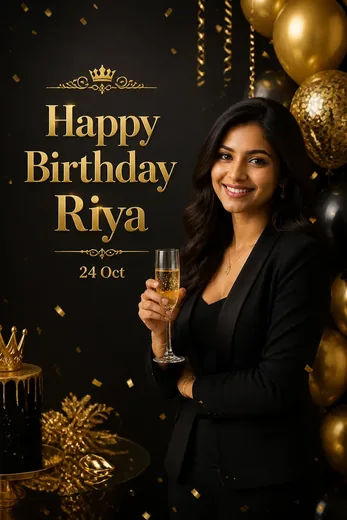 Luxury Black & Gold Birthday Poster with Name
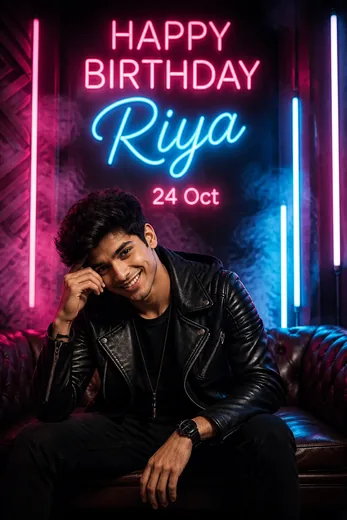 Neon Glow Birthday Party Poster with Custom Name
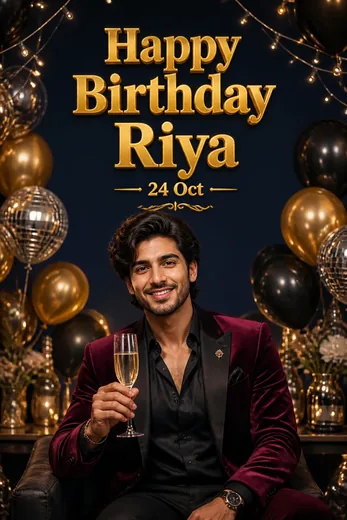 VIP Birthday Poster AI Photo Prompt with Name (ChatGPT)
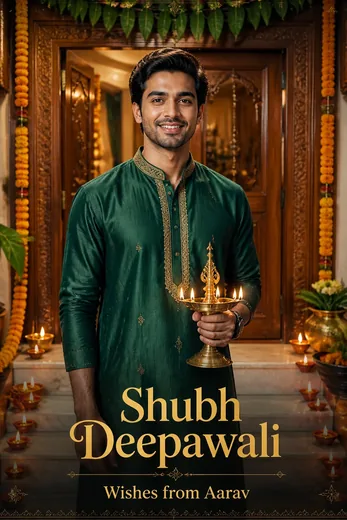 Men Festive Kurta Diwali Poster with Name Prompt